Surance.io Announces a Brand New Feature!
Our cyber app now includes a powerful tool to check messages, emails and links for phishing content.
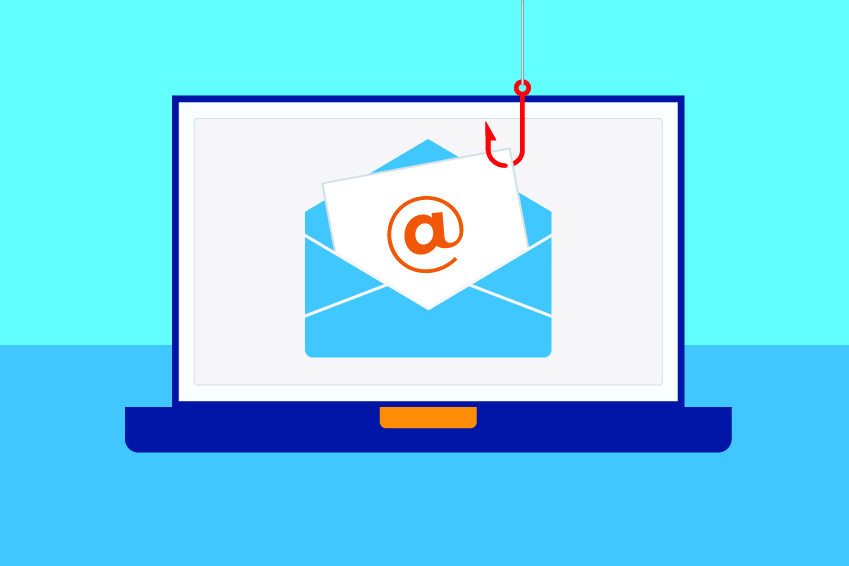
Our cyber app now includes a powerful tool to check messages, emails and links for phishing content.
Send us a suspicious text message, email, QR code or screenshot that conatins a link
We check the link and validate it for you
You receive a notification about the link, if its safe or if it's phishing
Phishing is one of the most common forms of cyber attacks and the cyber criminals are becoming more creative with their attacks so they're something everyone needs to take seriously. In all likelihood, you've received texts or emails from unknown senders. They could have contained a link and provocative title or text from what looks like a government agency like the IRS or large companies like Amazon or some other source that can look very legitimate. These are phishing attacks and the hackers are hoping the link is clicked and the user will enter login, passwords or other data into their phishing site. If the hackers are successful, they will have access to whatever was obtained and this is understandably very bad for the user.
Our phishing tool makes it easy to check links for emails, texts, screenshots or QR codes for dangerous content. We encourage you to use it whenever you receive a link in a message to ensure you're going online safely.
How to use the tool:
1. Open your cyber app
2. Tap menu in your cyber app
3. Tap Phishing validator
4. Enter your email address and click/tap the permission/opt-in box to start using the service. You must register an email address and opt-in to use this service.
5. Tap the type of message or link you want to investigate. You can check emails, text messages, QR codes or a screenshot with a link in it.
6. Follow the instructions on the screen and repeat as many times as needed for multiple messages.
7. You will receive an in-app notification when each submission is received as well as the results of the investigation.
You can and we encourage you to use this tool frequently and anytime you receive a link in any type of message.
You can track your submissions on the history tab. Tap on the history tab and click on the messages to view the results of your submissions.
***Note - Always be very careful with suspicious links and avoid clicking them without initially looking into whether they are dangerous. Most organizations will have a statement about how they communicate to customers/clients so if you're not sure check with the company in question. The IRS for example will never send a text message asking for your personal details so be cautious of these types of items.
You can check text messages
that contain a suspicious link
You can forward an entire email
and check to see if it's safe
You can send us a QR code
before you scan it and we will
validate it for you
You can take a screenshot and
send it to us as an image and
get the result in our app
More new features to come
We provide 24/7 cyber attack
support inside our app